What Wikicasts does
Start from Wikipedia, any link you paste, or today’s news.
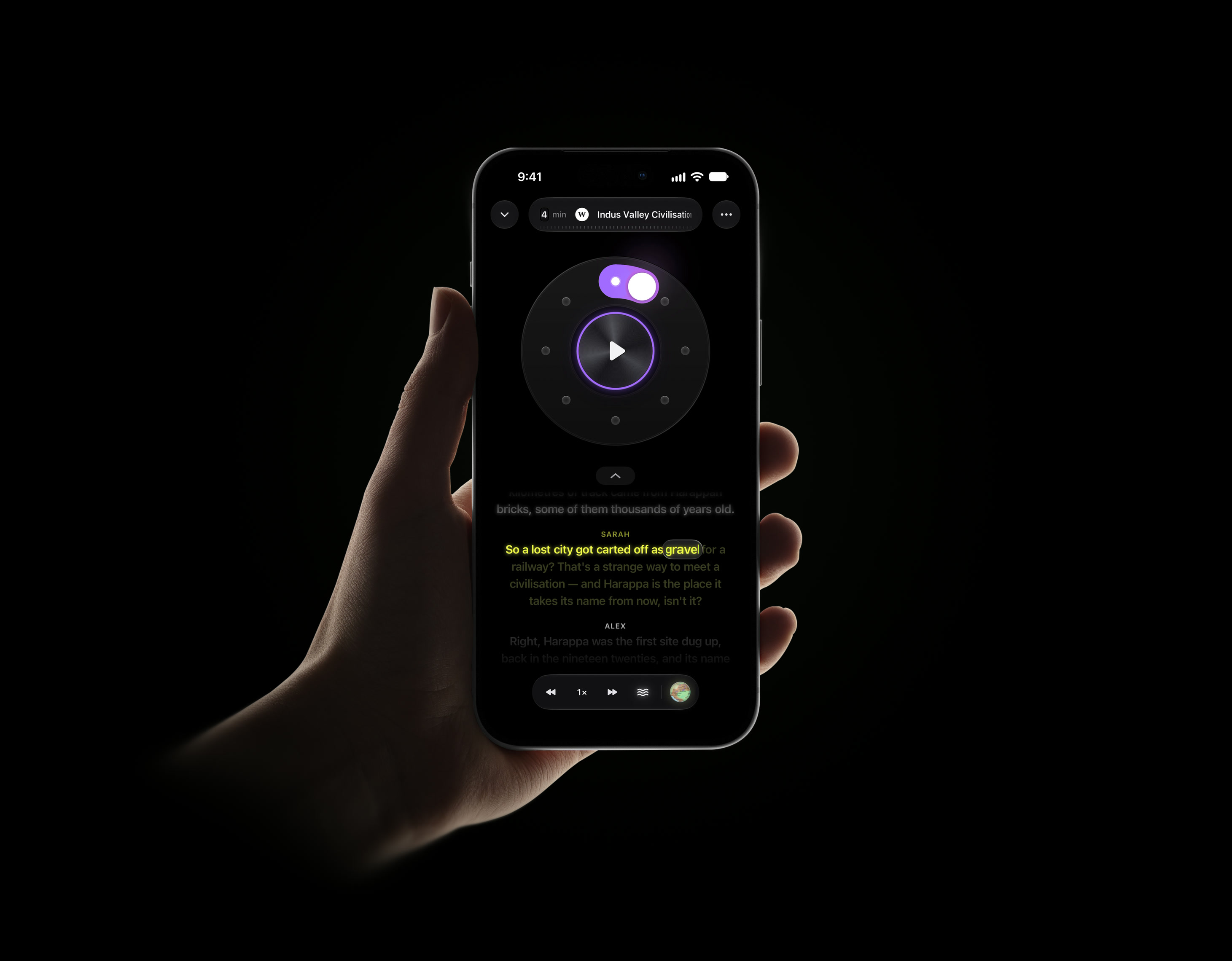
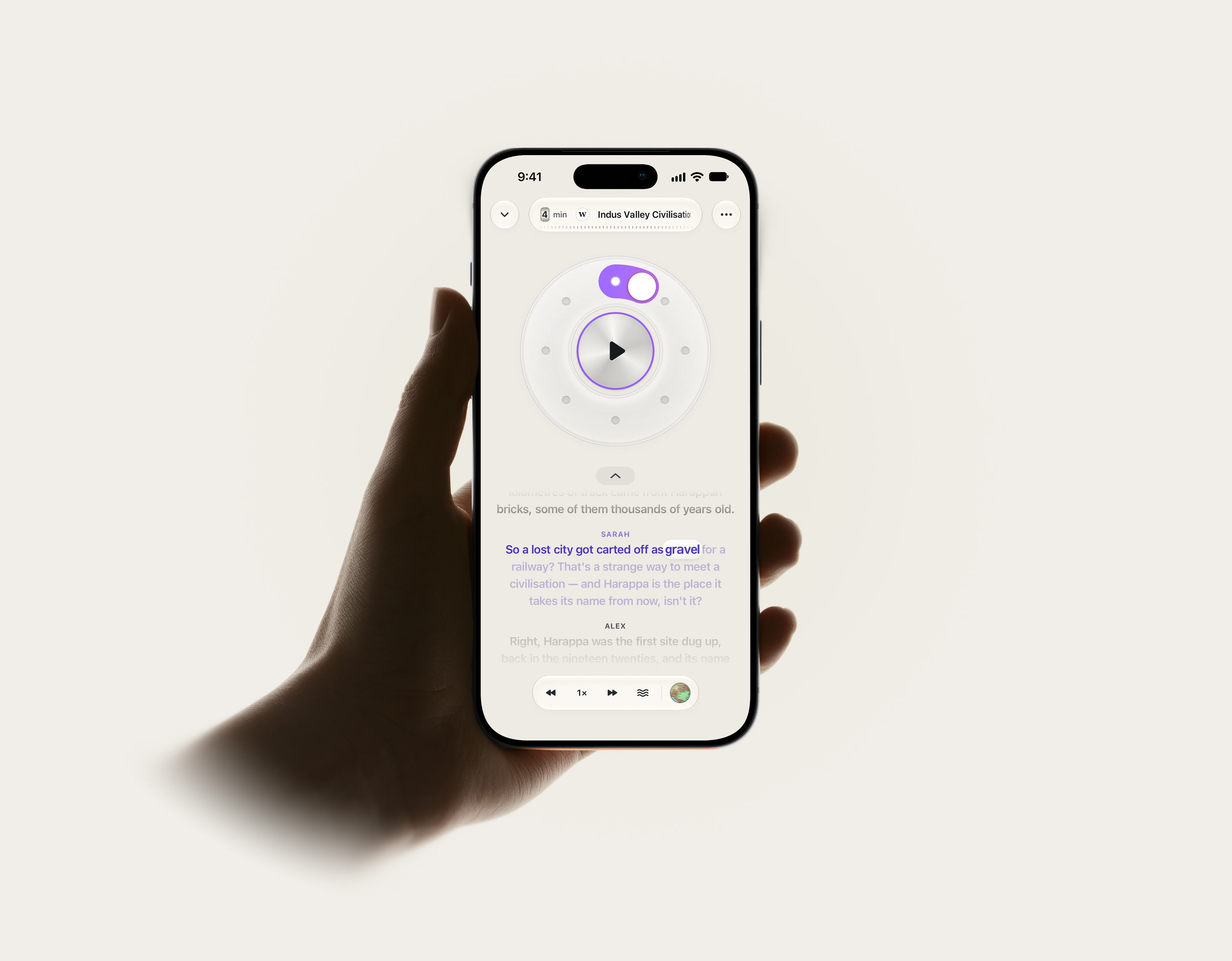
Read along if you like. Every word lights up as it’s said.
Mix and match voices, in the accent you’d like to hear.
Two hosts talk it through, or one voice reads it as written.
A soft sound under the voices. Turn it up, down or off.
On your phone or computer. Sign in and your casts follow.
Send a cast as a link. Anyone can press play, no app needed.
Questions
It turns something you’re curious about into a short listen. Pick a Wikipedia article, paste a link or choose a story, and two hosts talk it through, like friends who did the reading for you.
Almost anything with a page behind it: an ancient city, black holes, a footballer’s career, today’s big story. If someone’s written about it, you can listen to it.
Three places: Wikipedia, any link you paste, and a set of news sources we follow. A cast is made from that page, so it sticks to what the page says.
Two AI voices made to sound like a real conversation, and you choose them. Mix and match male and female voices, in the accent you’d like to hear: American, British, Indian, South African or Nigerian.
Switch to narration and one voice reads it as it’s written, word for word.
Right now, yes. We’ll work out pricing later on. For now, we’d just love you to try it and tell us what you think.
No. You can start straight away. Sign in with Apple or Google when you want your casts on your phone and your computer.
Yes. Every cast has its own link. Send it anywhere, and whoever opens it can press play right there, with no app and no account.
We work hard at it. Every cast is made from the page you chose, with checks along the way to keep it true to that page. But casts are made with AI, so they can still get things wrong. Always check the source: tap the cast’s picture on the Now Playing screen and the original page opens, so you can see it for yourself.